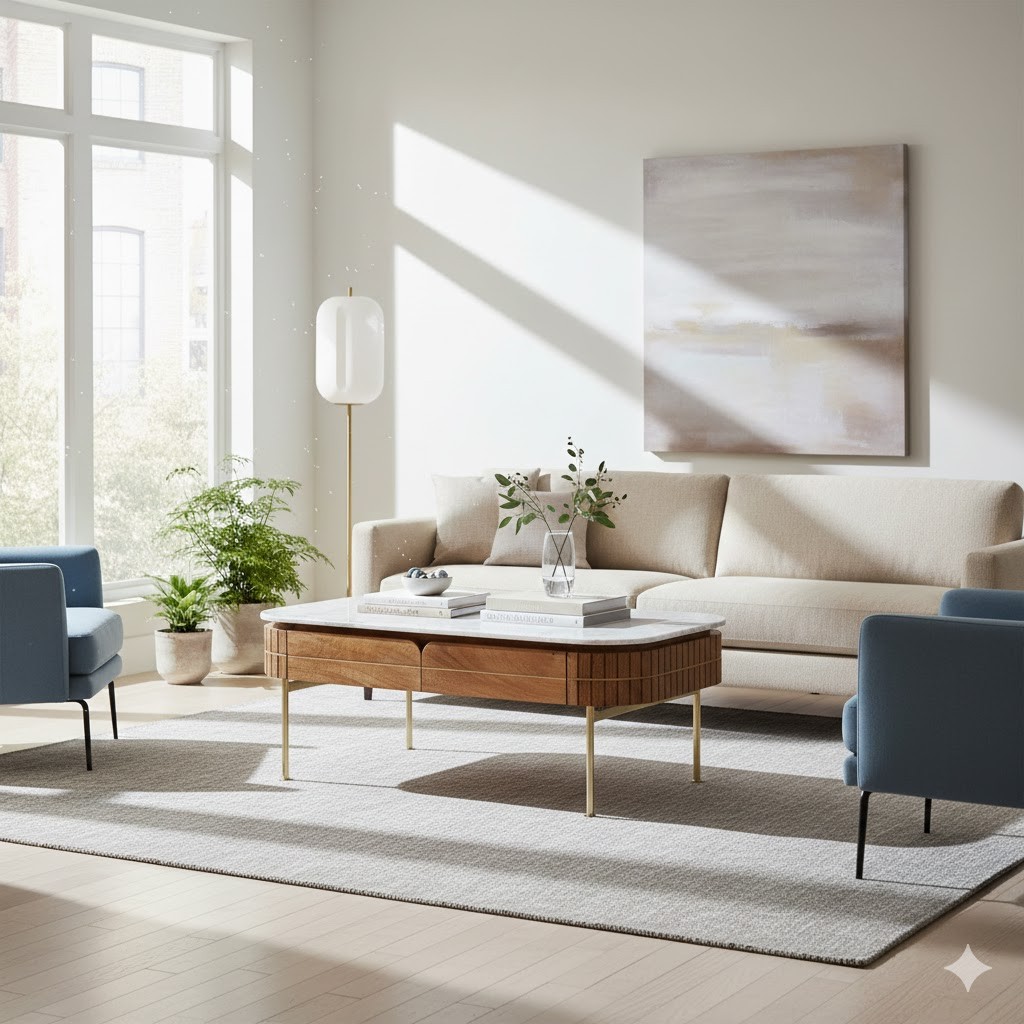
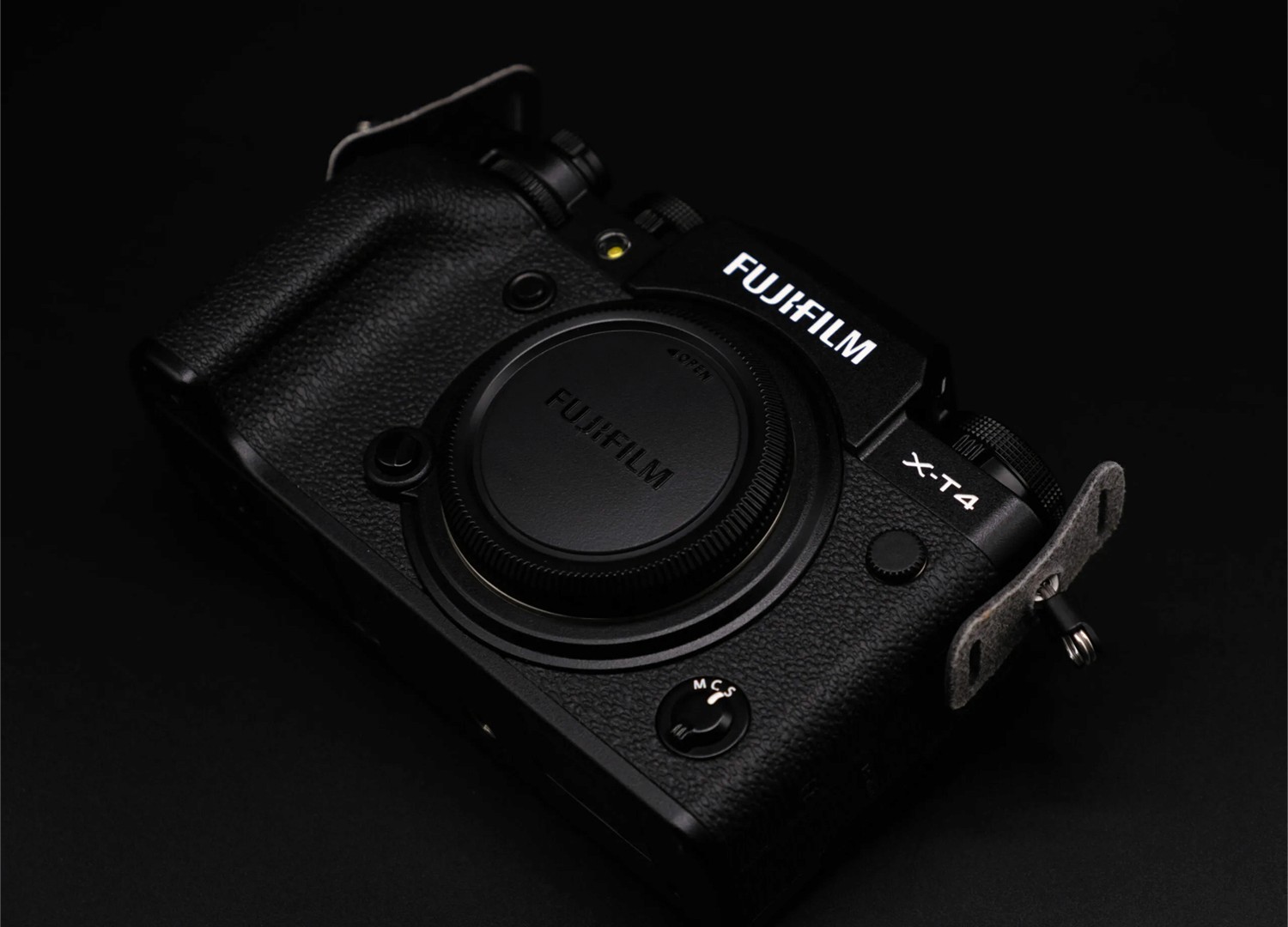
AI Driven Product Summary Video
Services
AI
Product Design
AR/VR
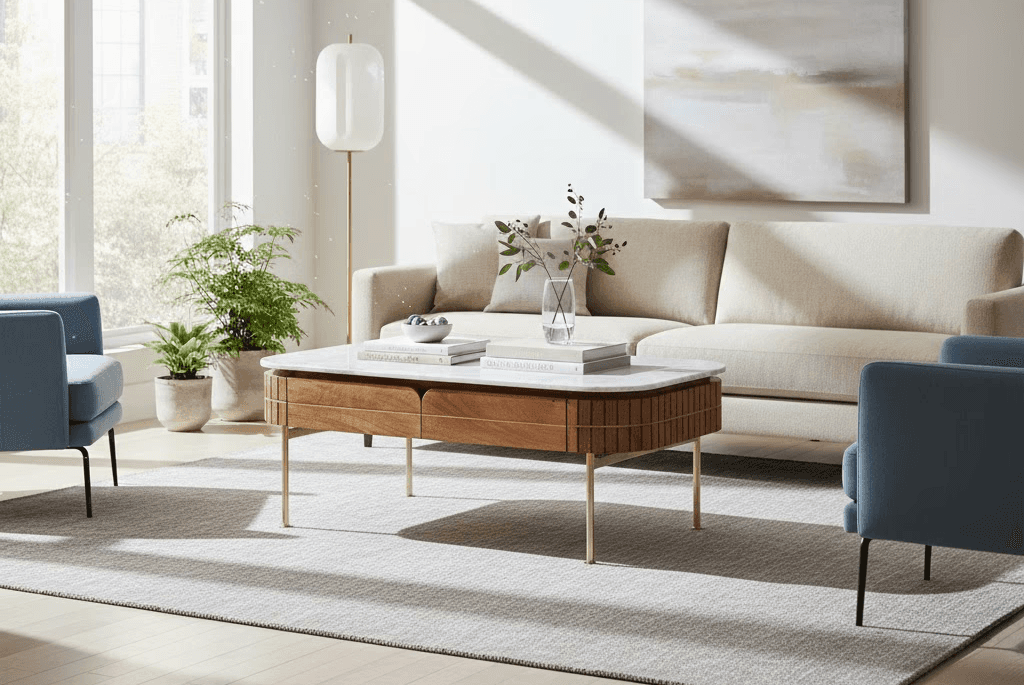
Details
Designing the Narrative Blueprint
I created a standardized storyboard template that serves as the creative anchor for every PSV. This ensures consistency across product categories while still supporting brand-specific nuances.
Storyboard Structure
Intro Logo Reveal – Clean brand transition (1–2s)
Product Reveal – Rotating or faded-in hero shot
Material & Texture Close-ups – Macro detail to showcase craftsmanship
Feature Demonstrations – Functional highlights (buttons, compartments, mechanisms)
Full 360° Overview – Dynamic pan or rotation
Human Interaction Shots – Hands or minimal human presence for scale and usability
Hero Lifestyle Shot – Realistic contextual scene
Outro Logo + CTA – Final branded close (1–2s)
Storyboard Specifications
Camera choreography (pan, tilt, zoom, rotation)
Lighting direction and mood
Shot duration (5–10s)
Transition type (cut, dissolve, fade)
This framework ensures every video communicates product value quickly and clearly.
Reference System: Ensuring Product Fidelity
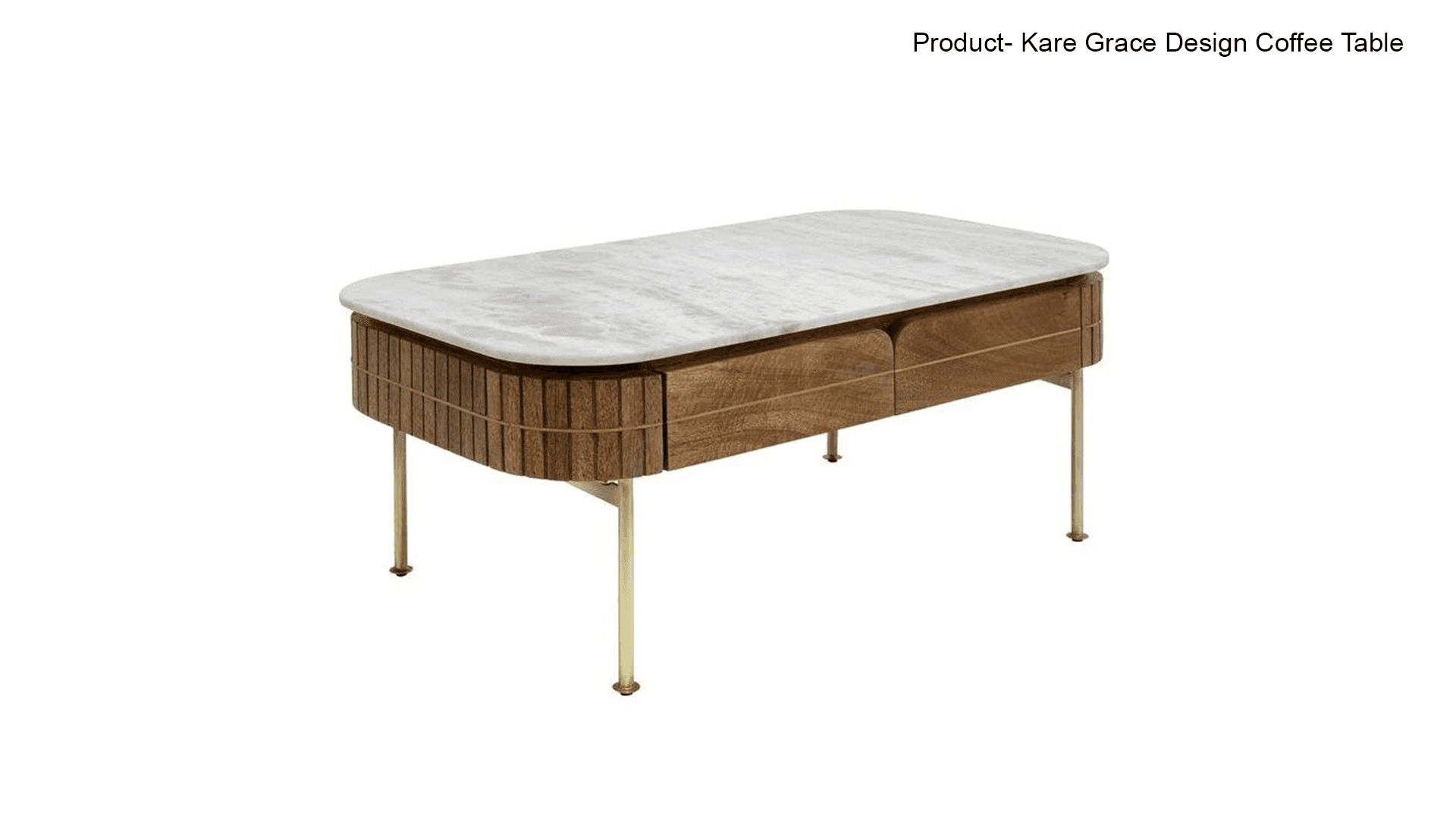
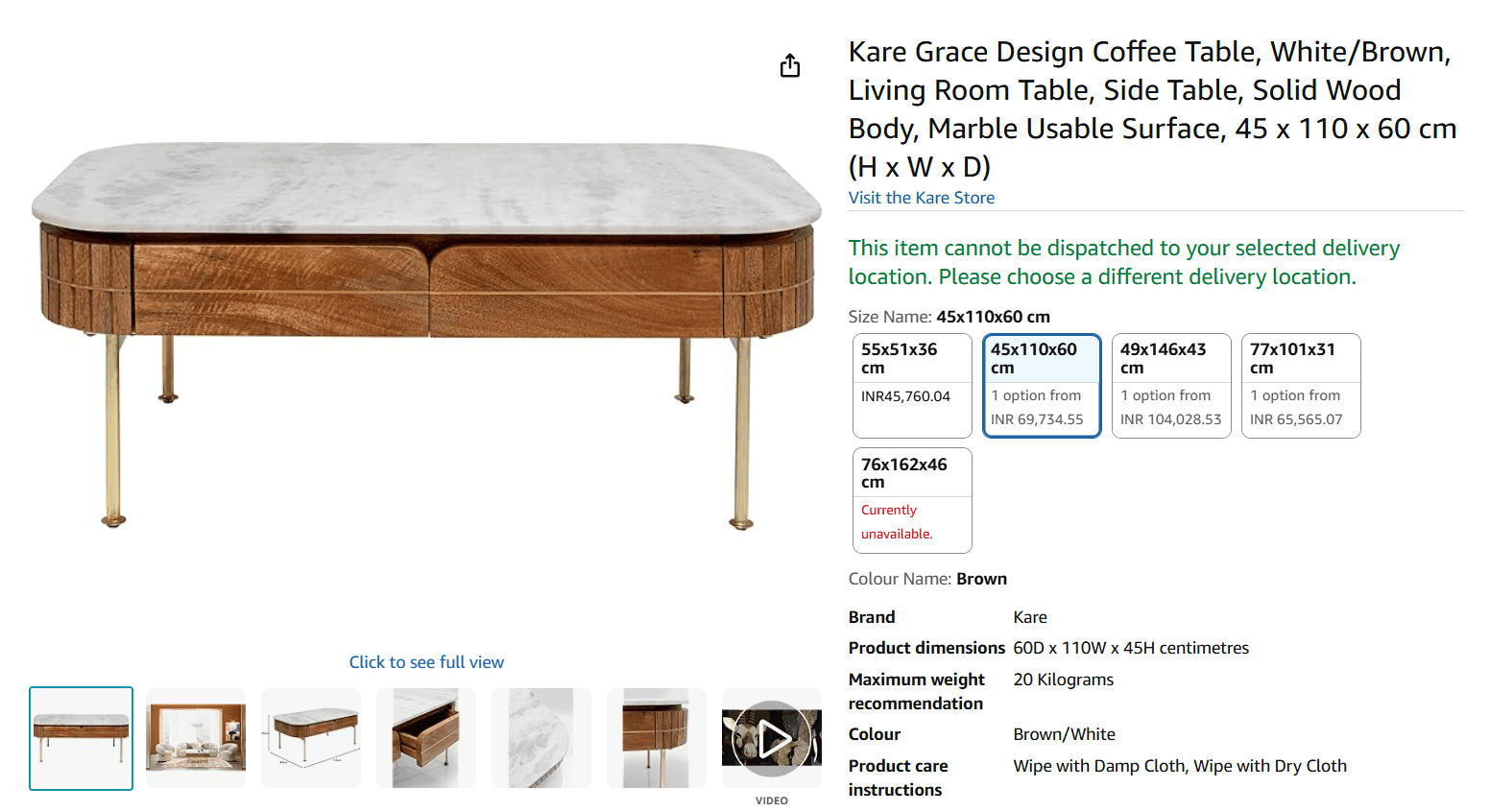
To maintain Amazon’s visual accuracy standards, I established a structured reference-gathering process:
Pull official ASIN images from Amazon detail pages or IRT
Include both studio and lifestyle photos
Validate colors, materials, proportions, and angle accuracy
Prepare references as grounding inputs for AI image & video tools
These references eliminate hallucinations and ensure the AI-generated visuals stay true to the real product.
Prompt Framework: Designing for Consistency & Control
I created repeatable and modular prompt templates for both image generation and image-to-video creation.
Image Prompt Template
“High-quality product on a clean white studio backdrop, soft shadows, accurate material details, realistic reflections, cinematic lighting, 2K resolution.”
Video Prompt Template
“A rotating 3D product shot in a minimal white studio, slow zoom-in, smooth pan/dolly movement, consistent neutral lighting, realistic highlights and shadows.”
Negative Prompts
No distorted proportions
No fictional product details
No watermarks or text
No extra parts, artifacts, or human faces
This prompt architecture became crucial to scaling PSVs while keeping visuals brand-safe and studio-accurate.
Image Generation: Creating the Visual Foundation
Using Amazon-approved GenAI tools, I built the image production workflow:
Generate clean product shots aligned to storyboard angles
Use AI inpainting/outpainting to fill missing views or extend environments
Maintain 2K+ resolution for fidelity
Ensure neutral studio lighting and color accuracy
Prepare a controlled set of images for video generation inputs
These images act as the backbone for the video sequence.
Video Generation: Building the AI-Driven Sequence
I established a video production pipeline leveraging approved AI video tools:
Transform base images into animated sequences
Apply frame interpolation for smooth motion
Maintain lighting, color, and texture consistency across shots
Review outputs for flicker, distortions, and unwanted artifacts
The result is a fluid, visually rich product story aligned with Amazon’s premium standards.
Final Output & Delivery
Export at 1080p, 45–50 seconds
Store assets in correct ASIN-linked WorkDocs folders
Ensure compliance with the Amazon PSV Style Guide
Conduct final QC using a multi-point checklist
Quality Review Framework
I designed a QC checklist to guarantee professional output:
Product material & color accuracy
Smooth camera motions
Neutral studio lighting
No AI distortions or artifacts
Proper brand placement & pacing
File structure compliance
Consistency with PSV guidelines
Outcome & Impact
Reduced production time for PSVs significantly
Enabled scalable, repeatable AI-driven visual creation
Improved consistency across categories
Empowered non-video teams to produce market-ready product videos
Strengthened Amazon’s GenAI content pipeline by standardizing creative processes